Conversion
Convert more visits into sales

Keep purchase actions visible, highlight limited stock and time-sensitive offers, and show recent purchase activity when shoppers are deciding whether to buy.
Sticky Add to CartLow Stock AlertsRecent Sales
Revenue growth tools for BigCommerce
Tempo helps BigCommerce merchants turn more traffic into revenue. Use conversion tools, bundles, product recommendations, cart incentives and shopper-confidence features to improve conversion and increase order value—without rebuilding your storefront.
Configure, preview and publish from your BigCommerce control panel.
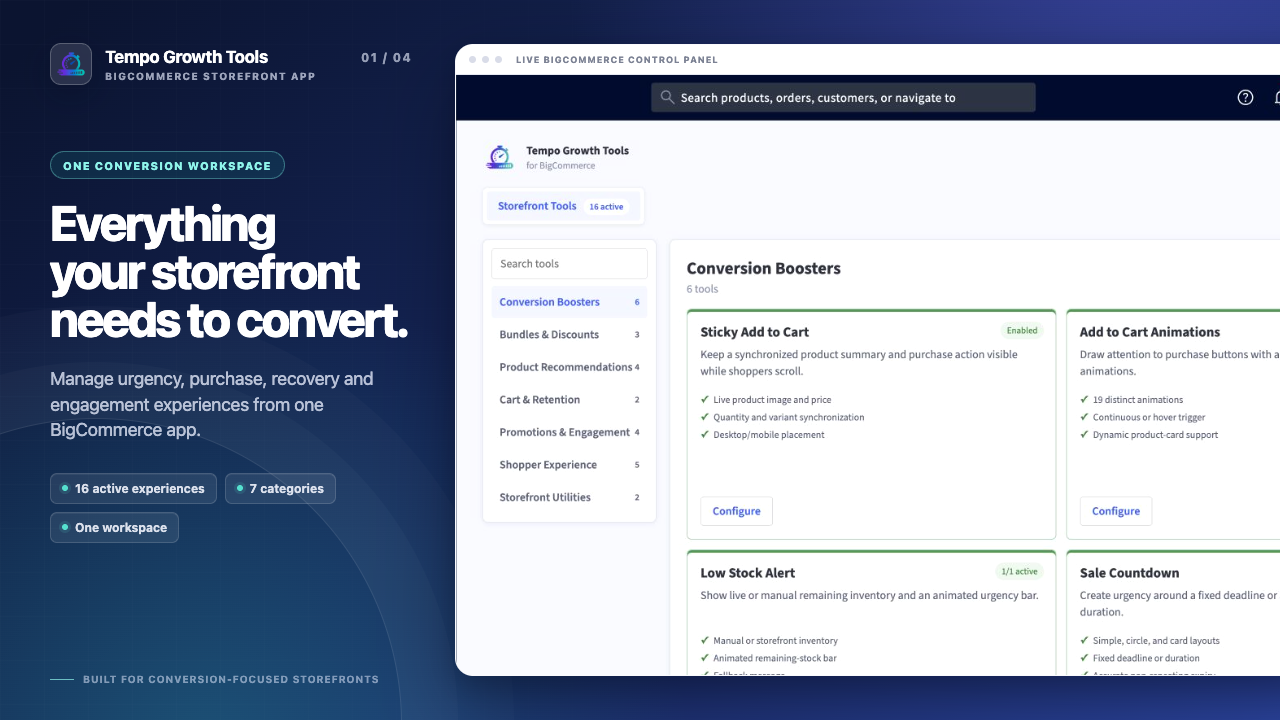 Increase conversionGrow order value
Make more of your existing traffic
Tempo gives merchants practical ways to improve the storefront journey without creating a separate development project for each campaign.
Make the next purchase action visible, relevant and easier to complete.
Present useful bundles, recommendations and incentives at the right time.
Give shoppers the information and confidence they need to check out.
How Tempo helps grow sales
Each capability supports a specific part of the buying journey, from product discovery to checkout.
Keep purchase actions visible, highlight limited stock and time-sensitive offers, and show recent purchase activity when shoppers are deciding whether to buy.
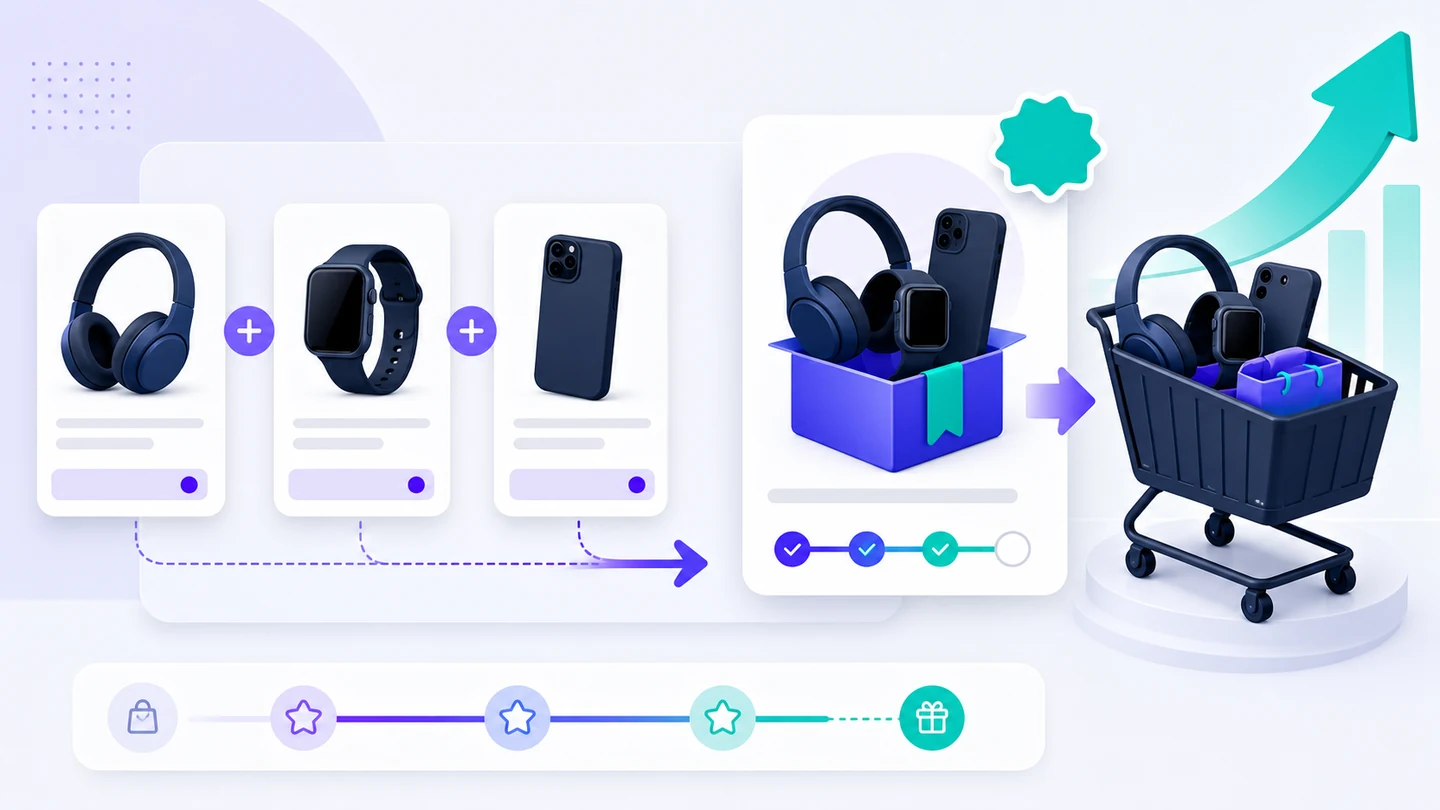
Use product bundles, volume discounts, upsells, cross-sells, product recommendations and cart reward goals to encourage relevant additional purchases.

Give shoppers clear size information, delivery estimates, local currencies, clearer product information and convenient contact options so they can buy with confidence.

Use cart messages, recently viewed products, promotional bars, targeted popups and discount campaigns to maintain purchase momentum.
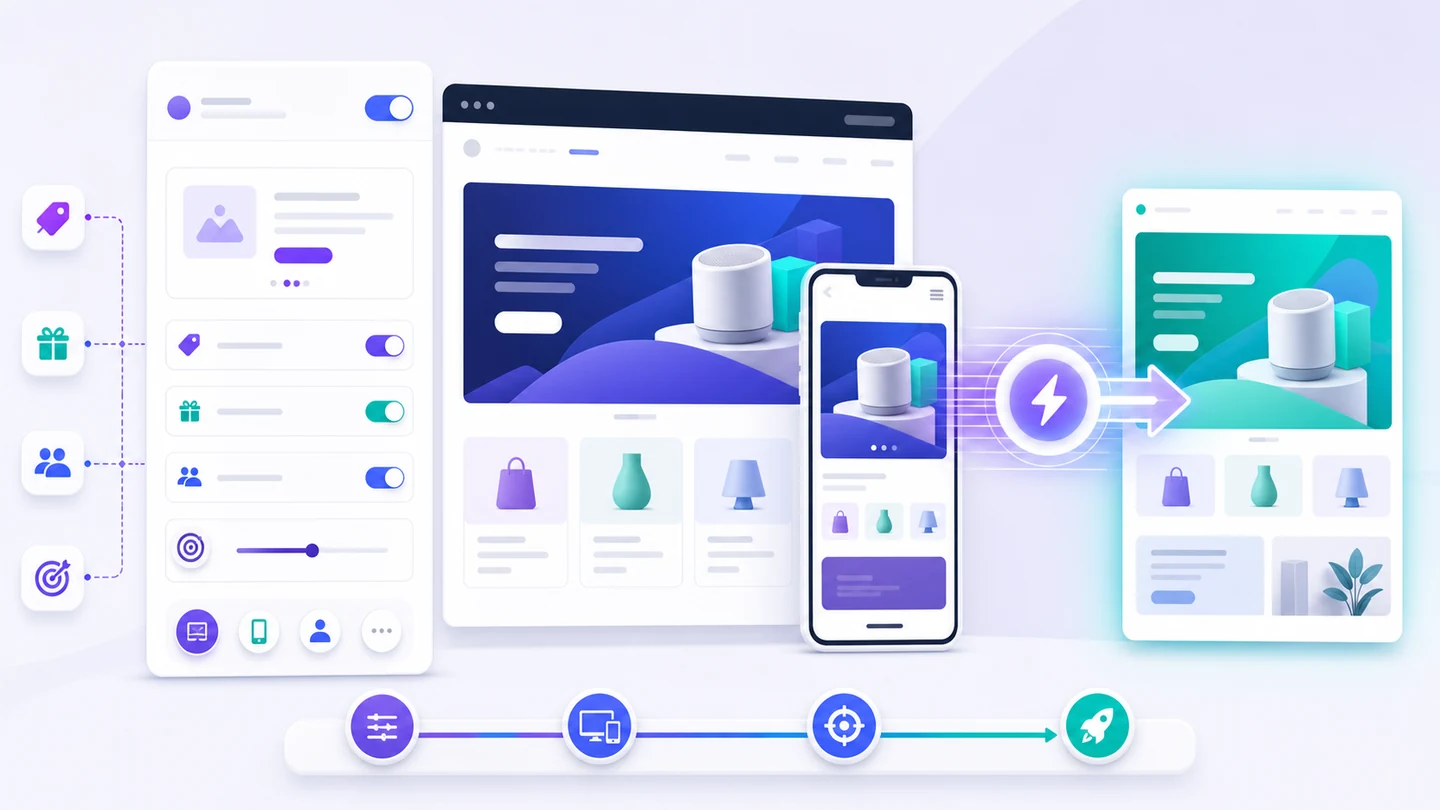
Configure, preview, target and publish storefront campaigns from one application, without rebuilding the storefront for every promotion.
Built in Tempo
The illustrations explain the sales mechanism. The workspace gives your team the practical controls to launch it on a real storefront.
How it works
Select the conversion, order-value, cart or shopper-confidence tool that matches the result you want to improve.
Set content, products, behavior, styling, targeting and schedule. Test the real storefront experience in desktop and mobile previews.
Enable the campaign and verify it on your live store. Tempo uses BigCommerce Script Manager and Page Builder for standard placements.
FAQ
Tempo is built to be configured from the BigCommerce control panel, then rendered on each connected storefront through a lightweight loader.
No. Tempo installs its renderer with Script Manager and creates a native Tempo Campaign widget in Page Builder for every connected storefront.
Yes. Search BigCommerce products by name or SKU, select one or more entries, and publish a campaign only to their current storefront URLs.
Yes. Tempo provides desktop and mobile previews powered by the same renderer used on the published storefront.
Yes. Visual tools can inherit the storefront font, button colors, surfaces, form controls, borders and corner radius, with optional custom overrides.
The essential renderer can display campaigns without analytics consent. BigCommerce loads the separate Tempo Analytics script only after analytics consent is available.
Current plans, allowances and billing details are displayed in the BigCommerce Marketplace and inside the app.
Launch conversion, cart and product recommendation campaigns designed to help more shoppers complete their purchase.